

dScribe® Digital Lightboard Studio, 55"
The dScribe® is a digital, smart lightboard studio from Revolution. Write, draw, and present over your content in front of the camera, with one-button recording and no post-production. Includes the dScribe main unit and all required studio accessories.
Key Features
- Ultimate Hologram-like Content Interaction
- One Button Studio Control & Recording
- No Post-Production Required
- Digital Ink — Click to Erase
- ADA-Compliant Height-Adjustable Design
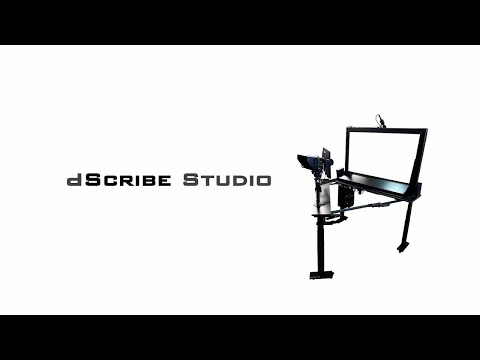
Don't just present. Captivate.
A professional video studio built around a translucent interactive canvas. Manipulate 3D models, annotate medical scans, roll through slide decks, draw in mid-air and more, with a holographic look and feel. Broadcast quality video is created in real time. Viewers see right through complexity.
Video Transcript
Package Functionalities
Ultimate Content Interaction
Digital content is directly visible to the user, allowing for fluid and effortless annotations and interactions. Yet the camera is still able to see through the display and film the user interacting with the content in what feels like a modern sci-fi movie special effect. This innovative system was developed exclusively by Revolution and is covered by multiple patents with more pending.
Easy Startup & Shutdown
One button push starts up the entire studio, ready to record in seconds. One button shuts down the entire studio.
One-Button Recording
Start and stop recording with just the press of one button! Recordings are immediately ready for review.
Easy to Use
No video recording experience required. Just a passion for educating in an engaging way.
Digital Inking
No markers required. One click to erase. Like a digital Lightboard!
Height-Adjustable
With the press of a button, adjust for any user to accommodate presenting while seated or standing at any height. No need to adjust the camera — it raises and lowers with the rest of the studio!
Accessible
Purpose-built studio with design elements and dimensions based on ADA compliance standards and guidelines.
Network Login Compatible
Implement your preferred IT configuration and profiles on our studio computer, allowing for smooth user workflow, file routing, network logins, single sign-on and more.
Real-Time Graphics Insertion
Our patented Control Center™ technology allows users to easily add content from PowerPoint, an internet browser and more in real time for fast, dynamic presentations.
Multiple Presentation Options
Choose from multiple layout options including overlay & digital inking options on the touchscreen interface.
Real-Time Video Production
All desired effects are implemented live — no post-production or video editing needed.
Live Stream
Live video and audio signals can be used on any platform of your choice — Zoom, Teams, Google Meet, YouTube, Facebook, Panopto, Canvas Studio and more.
Fast File Transfer
Within seconds, transfer recorded video files directly to studio computer, laptop, cloud storage, learning management system, or other preferred locations.
Mobile
The entire studio (besides backdrop) is on wheels, featuring a collapsible design to make it easy to move through doorways or store compactly.
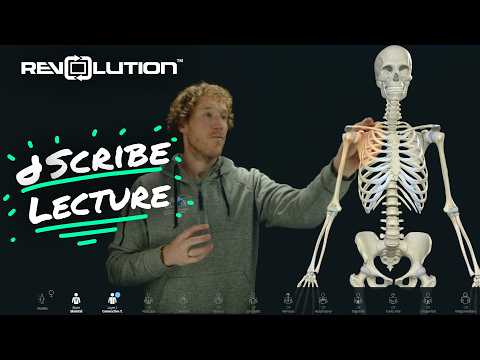
Explain a Diagnosis
Physical therapy professor Brad guides students through a lecture on the anatomy of a typical cervical vertebra (C3), using 3D anatomical software in conjunction with the Revolution dScribe Studio.
Show full transcript
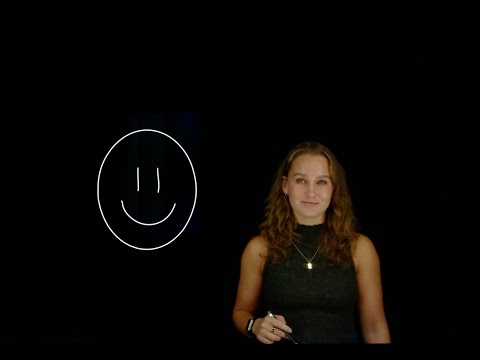
Engage Every Student
Grace at the University of Colorado Boulder introduces the dScribe to her team members as a cutting-edge tool that will help create engaging, interactive videos for online courses.
Show full transcript
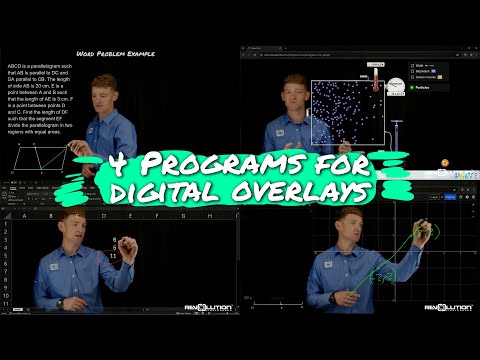
Use with Slides and More!
Trent shows how to utilize four different programs when using digital overlays with the dScribe.
Show full transcript
Studio Includes
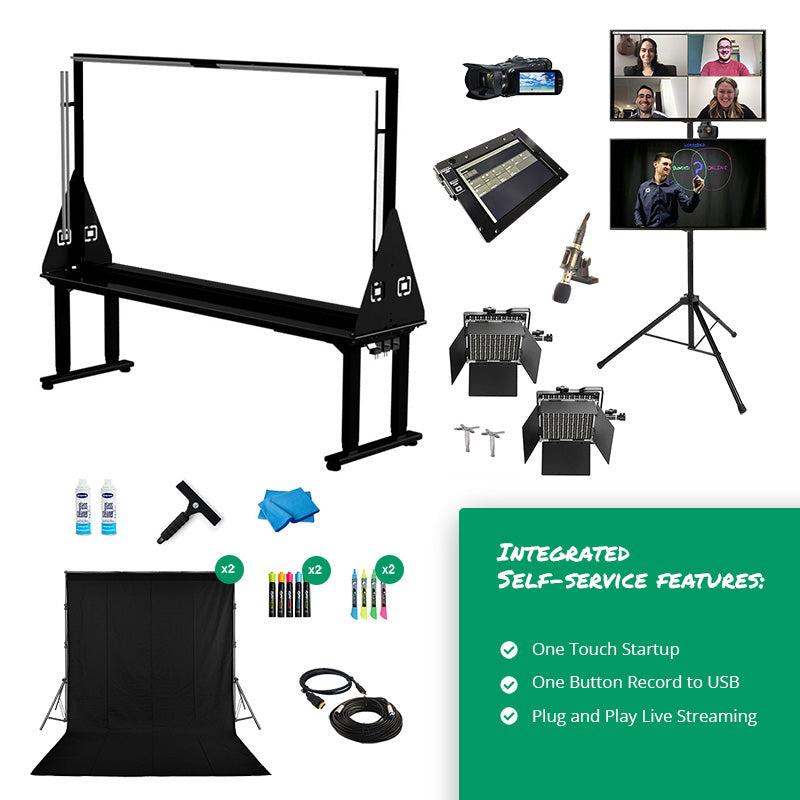
- Height Adjustable dScribe® unit with integrated 55" Transparent Digital OLED Screen
- 4K broadcast-grade camera + dual displays + studio controller for instant feedback, giving the presenter confidence
- Custom video production equipment with multiple scene options and real-time scene switching with just the press of a button. No licensing fees are ever required over the life of the unit.
- 1080p FHD Production Workflow for recording and streaming
- Professional Sennheiser microphone
- Integrated Windows computer, pre-configured to use within minutes of initial setup.
- Wireless keyboard and mouse
- Height adjustable table keeps the keyboard, mouse, controller and any notes within reach of the presenter.
- One-touch power controller
- (2) backdrop stands, (2) black backdrops
Logistics & Installation
- Current lead time on new orders is 3 weeks.
- System is 95% pre-assembled, for initial set-up in about 3 hours. Uncrate, mount and connect camera and microphone, set up backdrop and record!
- System ships via freight in a fully enclosed crate.
- Main unit while folded closed and adjusted to the low height limit is 60" wide, 26.5" Deep and 64" tall.
- When deployed, the footprint of the whole system fits on a 68" wide by 75" deep floorspace.
- Studio can use 120V or 220-240V AC power for customers outside the US and Canada.
- Contact Revolution about professional installation.
Room Requirements
- Recommended minimum room size: 10D’ x 10’W.
- Clear and flat wall is required for backdrop (8ft minimum width)
- Normal room lighting is acceptable.
- Grid ceiling highly recommended if additional lighting is needed.
Warranty & Support
- 2 year warranty.
- 1 year of free tech support from our team in the United States.
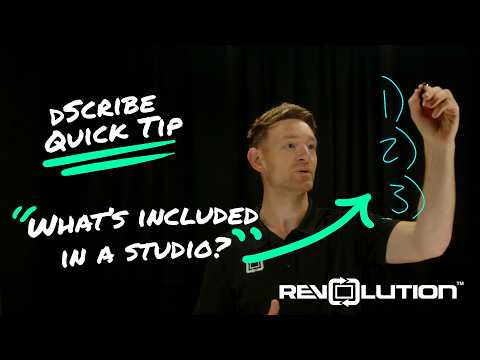
What's Included with the dScribe?
Revolution sends everything you need for the studio — except the room, power, and internet. That means the table, camera, microphone, monitors, and more.
Show full transcript
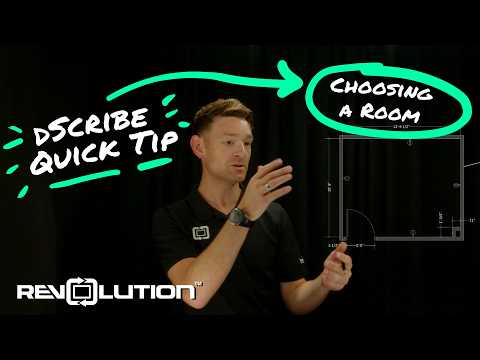
What Size Room Do I Need?
A great starting point is 10×10 ft with 9-foot ceilings. Send Revolution a photo of your room and they'll help position the studio perfectly for your space.
Show full transcript
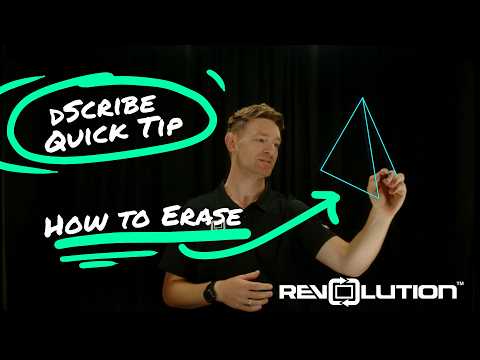
How Do I Erase?
Two options: hit delete to clear everything at once, or erase individual elements and keep what you want. It's that simple.
Show full transcript
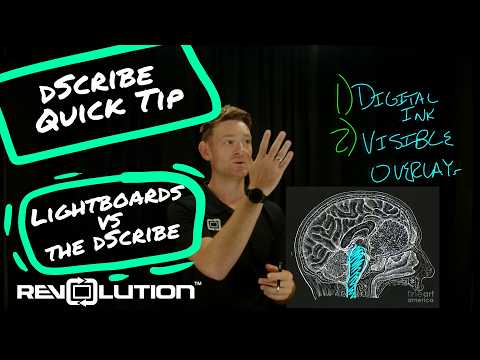
Lightboard vs. dScribe — Key Differences
Digital ink and visible overlays are the two major differences. dScribe eliminates the learning curve of traditional lightboards and brings content into a format as familiar as a tablet.
Show full transcript
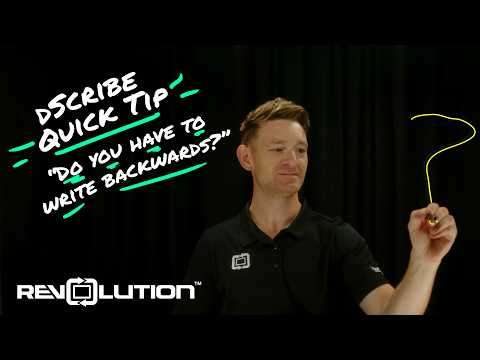
Do I Need to Write Backwards?
No — write with your dominant hand just like a tablet or phone. The dScribe automatically flips the image so it reads correctly to your audience.
Show full transcript
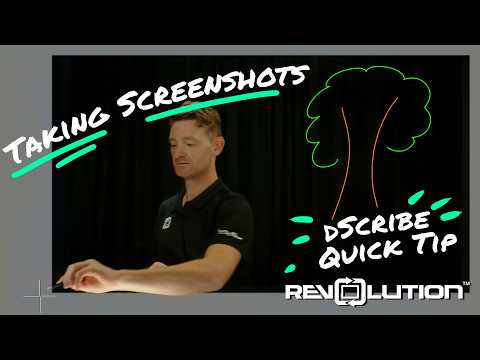
Can I Capture What I've Drawn?
Yes — because dScribe uses digital ink, a single tool lets you screenshot everything you've drawn and bring it back into your presentation or share it with your audience.
Show full transcript
What is the dScribe Studio?
The dScribe® Digital Lightboard Studio from Revolution Lightboards is a self-service video studio built around a 55-inch transparent touchscreen display. Presenters face the camera and write, draw, and interact with slides and digital content while the camera films through the display.
Does the dScribe Studio use a projector?
No. The dScribe does not use a projector. Projector-based setups produce a dimmer, lower-quality image and shine light directly into the presenter’s eyes. The dScribe displays your content digitally on the transparent screen, so the image stays crisp and the presenter can look comfortably at the camera.
How is the dScribe different from a traditional lightboard?
There are two main differences. First, the dScribe uses digital ink instead of markers, so you get vivid colors and one-click erasing. Second, your slides and visuals appear directly in front of you on the glass instead of on a separate monitor. That removes most of the learning curve of a traditional lightboard.
Do I need video editing skills to use the dScribe?
No. The dScribe is a One Button Studio: one button starts the whole studio, and one button starts recording. Videos come out finished with no post-production, so faculty, trainers, and staff can record on their own without a production team.
Can I use my own PowerPoint slides or 3D models?
Yes. You can bring slides, images, and other on-screen content into the dScribe. You can then annotate over them by touch in real time. Common uses include medical imaging, architectural drawings, CAD and engineering models, and STEM lessons.
Can I live stream with the dScribe Studio?
Yes. The dScribe records or streams so you can use it for recorded lessons or live presentations and video calls.
How much does the dScribe Studio cost, and what’s included?
The dScribe 55" Studio is $29,990. That price includes the main unit, a 4K camera, a Sennheiser microphone, dual displays, an integrated Windows computer, a height-adjustable table, and backdrops. It also comes with a 2-year warranty and one year of free U.S.-based tech support. You supply the room, the power, and the internet.
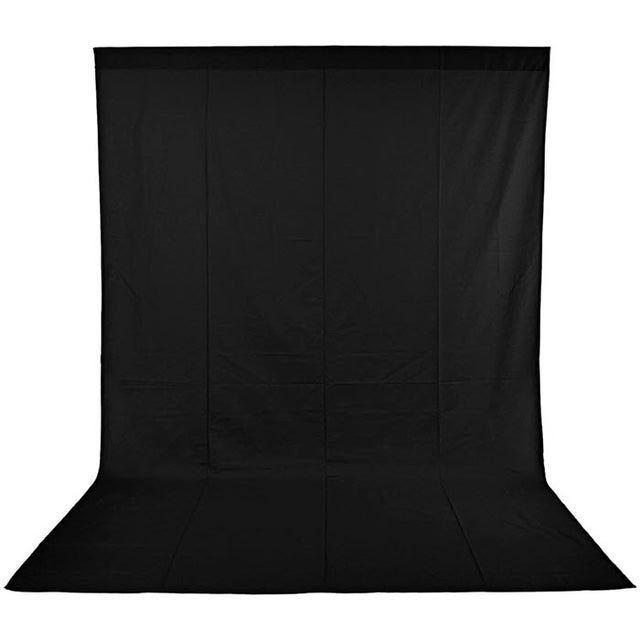
Lightboard Backdrop-Black
High quality backdrops with a pocket for a backdrop/curtain rod for hanging. If they will be in view of the camera, muslin backdrops should...
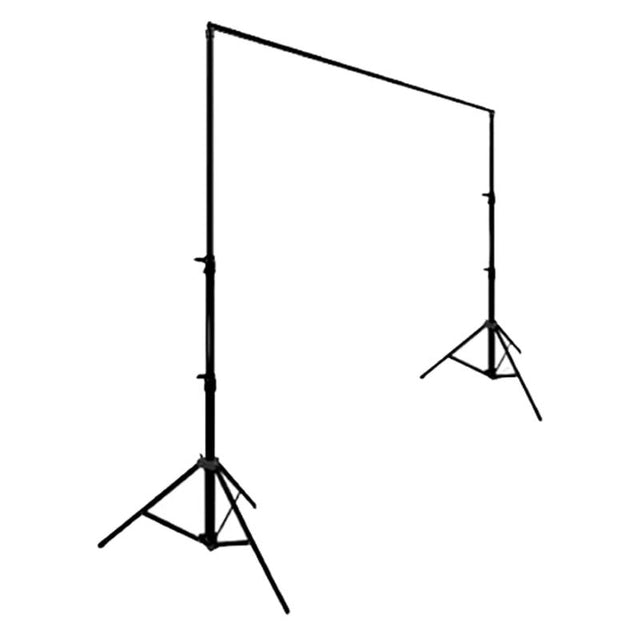
Backdrop Stand
Dark/black backdrops are important for the lightboard video experience. Pair this robust and flexible backdrop stand with curtains to add behind the video talent....
More Self-Service Studios
Lightboard Studios
Take the guesswork out of building a lightboard studio by selecting one of our complete Studio Packages. We can customize if...
View Product
One Button Studios
High-quality video made simple. Turn any room into a self-service recording studio to create or stream high-quality videos with ease....
View Product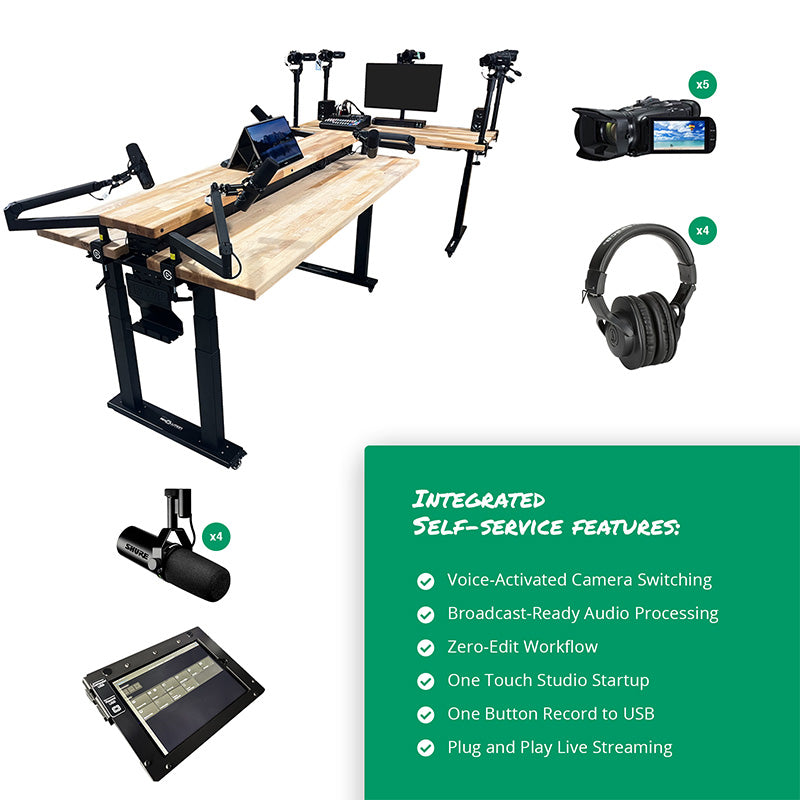
Video Podcast Studios
Turn any room into a self-service, professional-grade Video Podcast (Vodcast) Studio. Record a dynamic multi-camera video podcast with no producer...
View Product